Stop!
One letter, every category. A multiplayer word game with a host, join codes, and a race to call Stop!
What it is
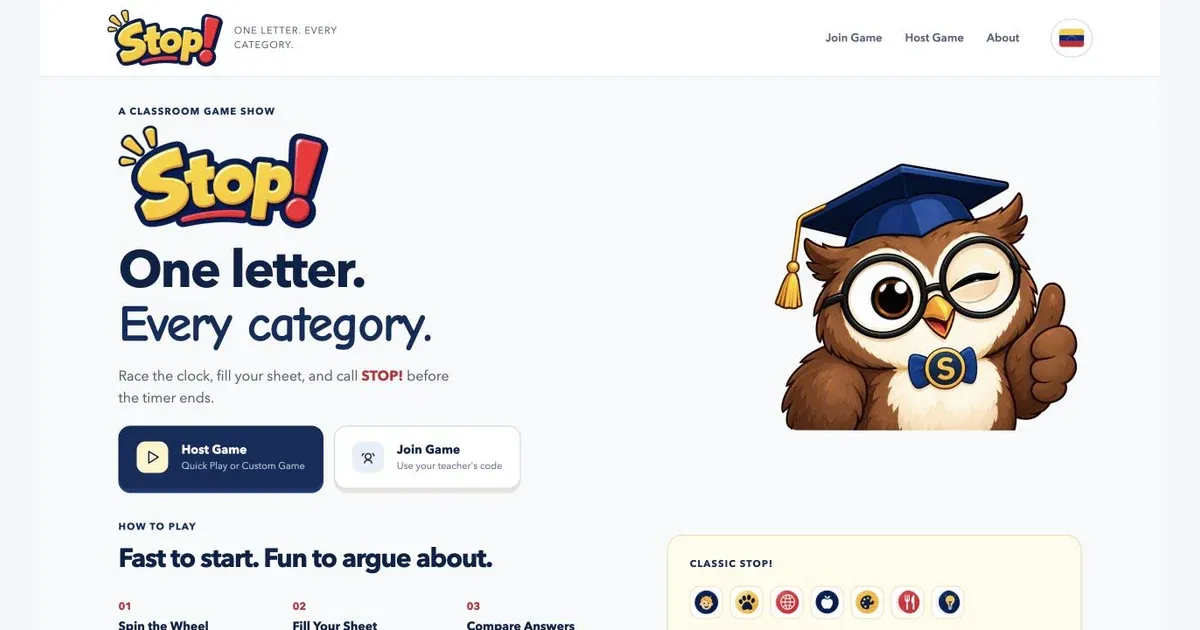
Stop! is a multiplayer category game. A host starts a room, players join with a code, and everyone gets the same letter and categories. Fill the answer sheet with words beginning with that letter, then call Stop! before time runs out.
The game has separate views for the host, players, and a shared classroom screen. Quick Play picks the categories, while custom setup gives the host more control over the round.
How it plays
The letter wheel starts the round. Players race the clock, submit their answers, and compare them when the round closes. Answer review and challenges give the group a way to work through the inevitable “does that count?” conversation before moving on.
Rounds build toward a final score. The server keeps track of the clock, submitted answers, and scoring so every device follows the same game.
What mattered
The host needs to run the room while players concentrate on their sheets. A projector view keeps the shared information visible without putting the host’s controls in the middle of the game.
The pace matters as much as the rules: choose a letter, find the words, compare answers, play again. The owl and game-show styling give that routine some personality.
Where it stands
Stop! is live on my class website’s game subdomain. The hosted game is available; classroom rollout and device checks are still part of the next round of work.